Parchment Scroll Creator – Free Fantasy Letter Maker
Use our free online parchment scroll creator to make printable quest notices, character letters, and ancient prophecies for D&D, RPGs, and fantasy stories.
Scroll Creator600 × 865
Scroll preview
Click the paper to type. Select an image to move or resize it.
600 × 865
Parchment scroll examples
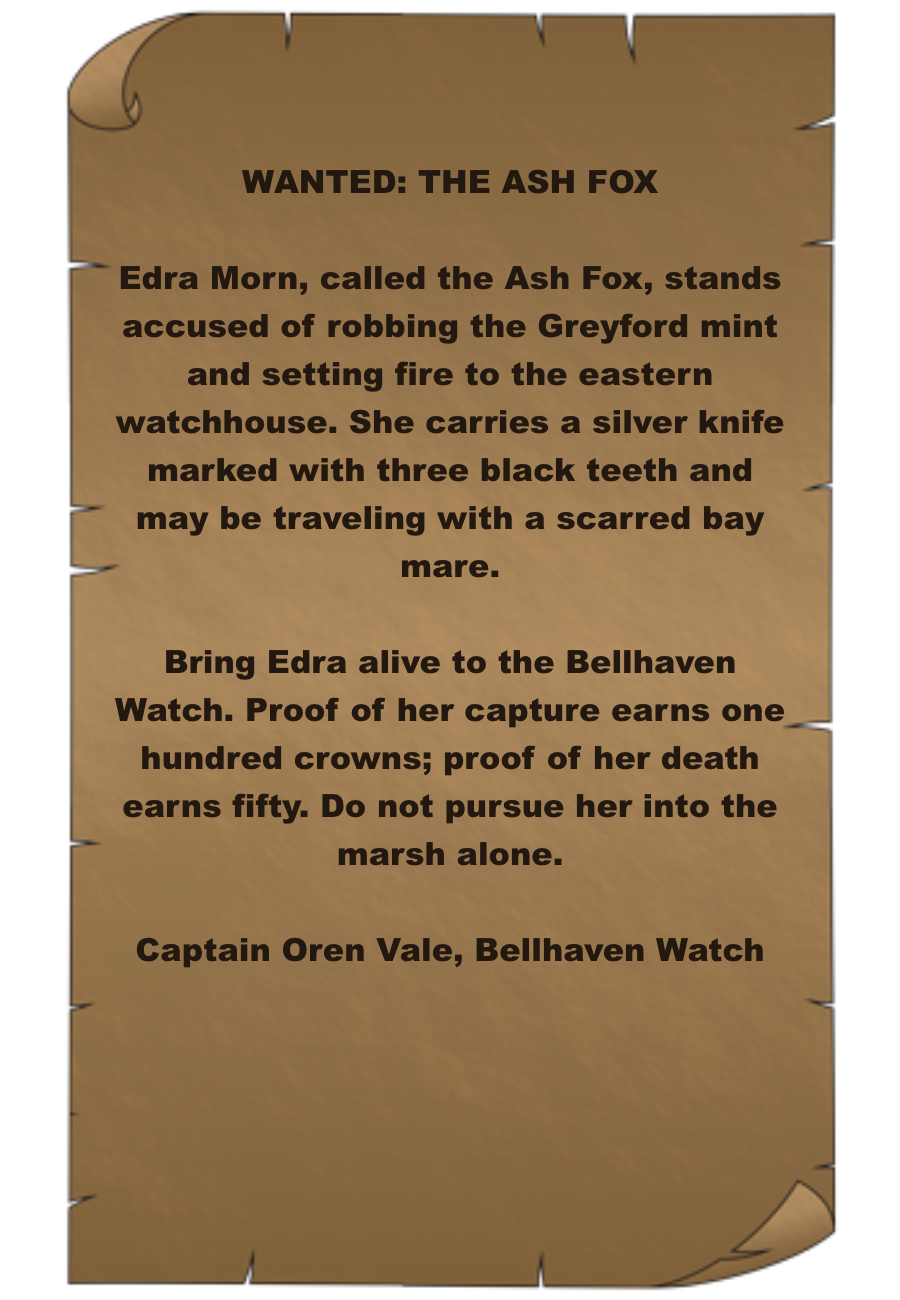
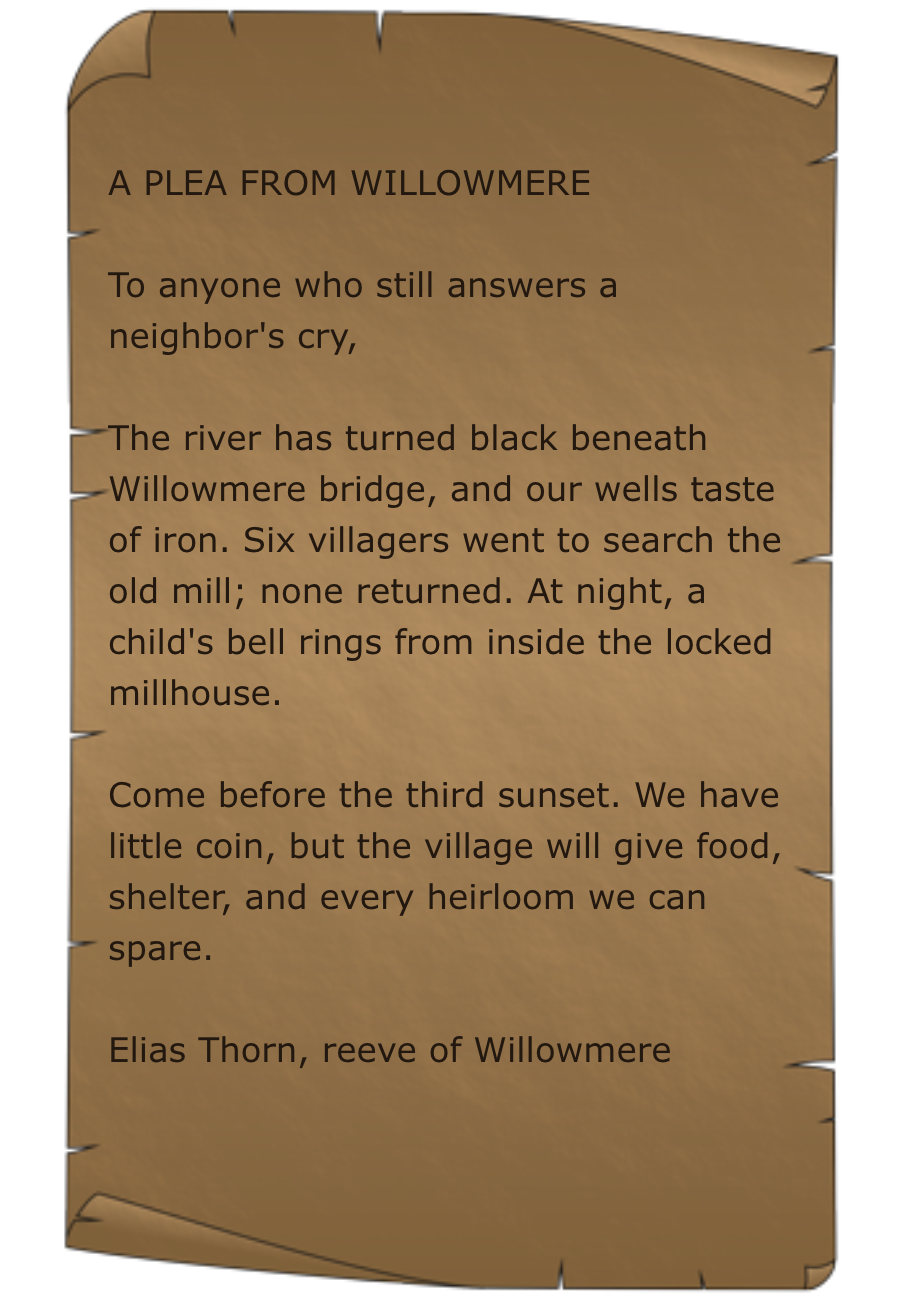
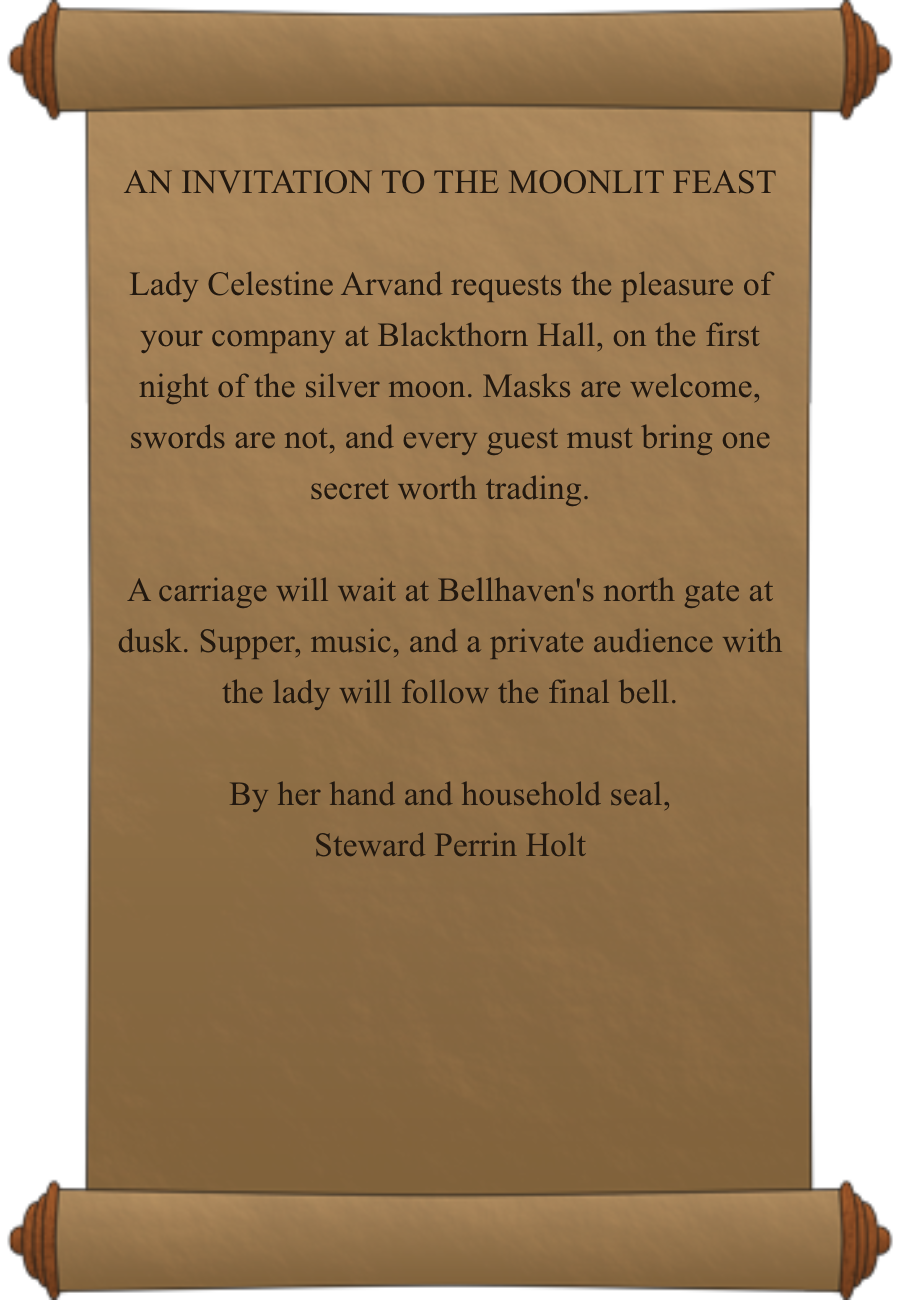
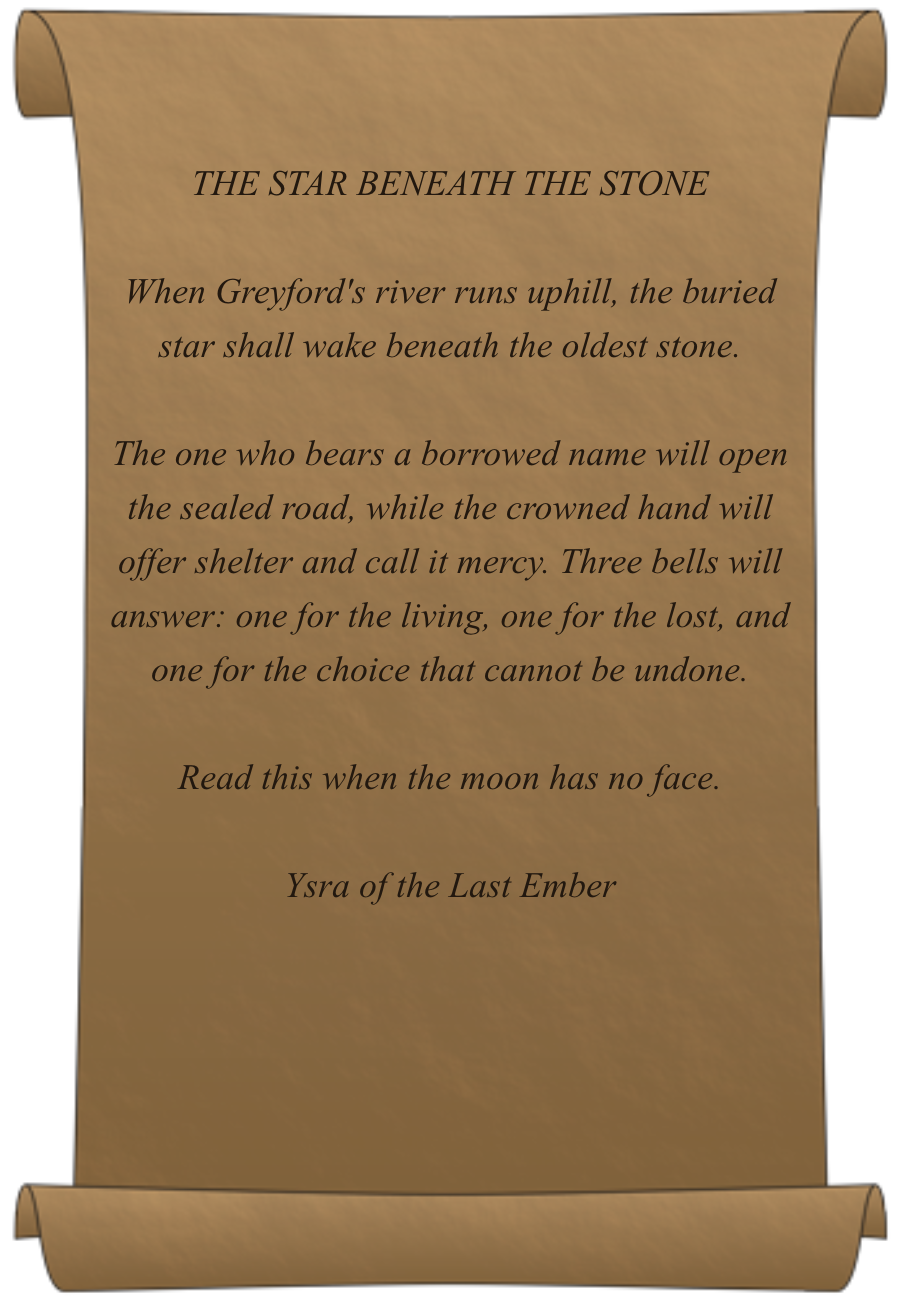
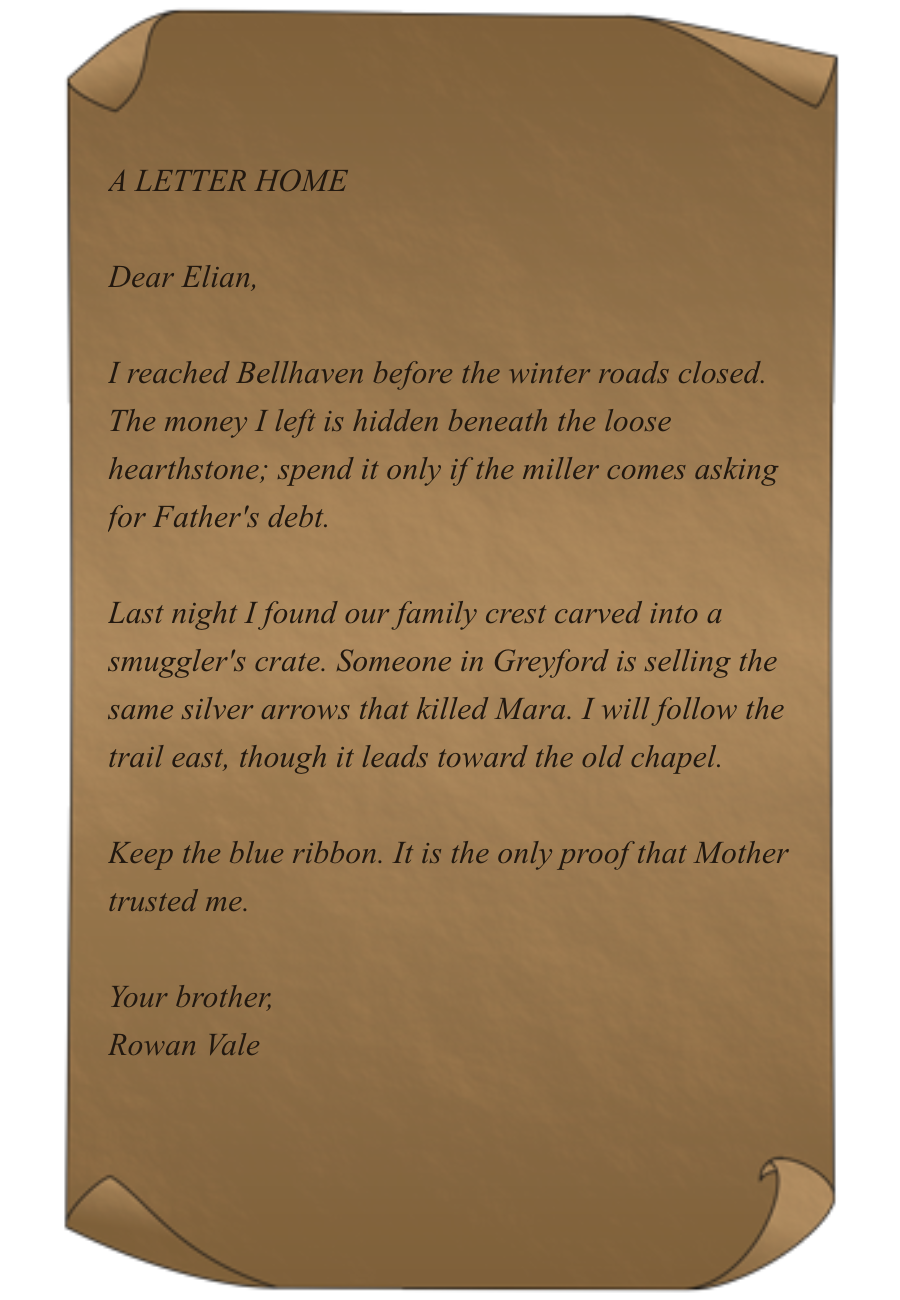
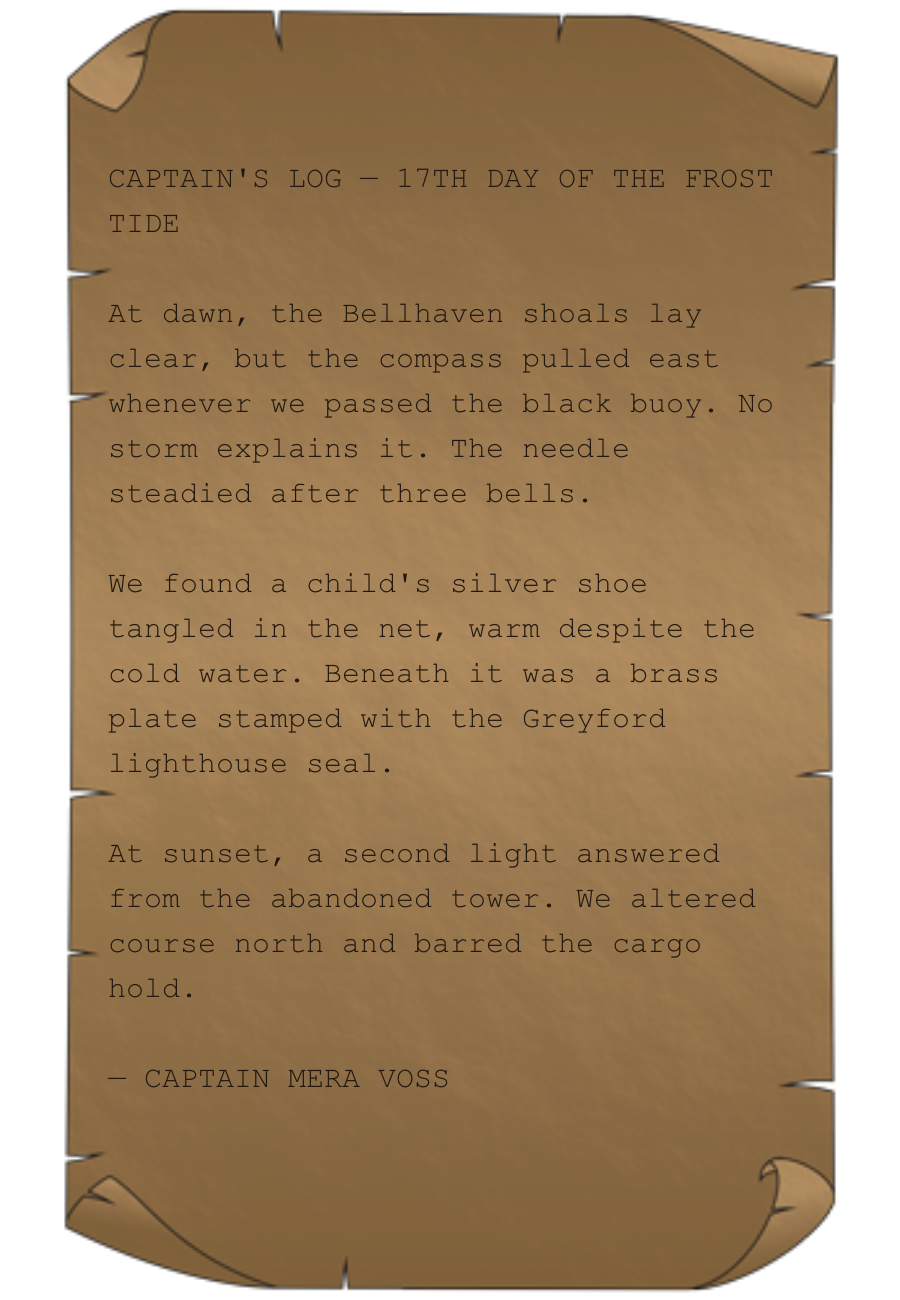
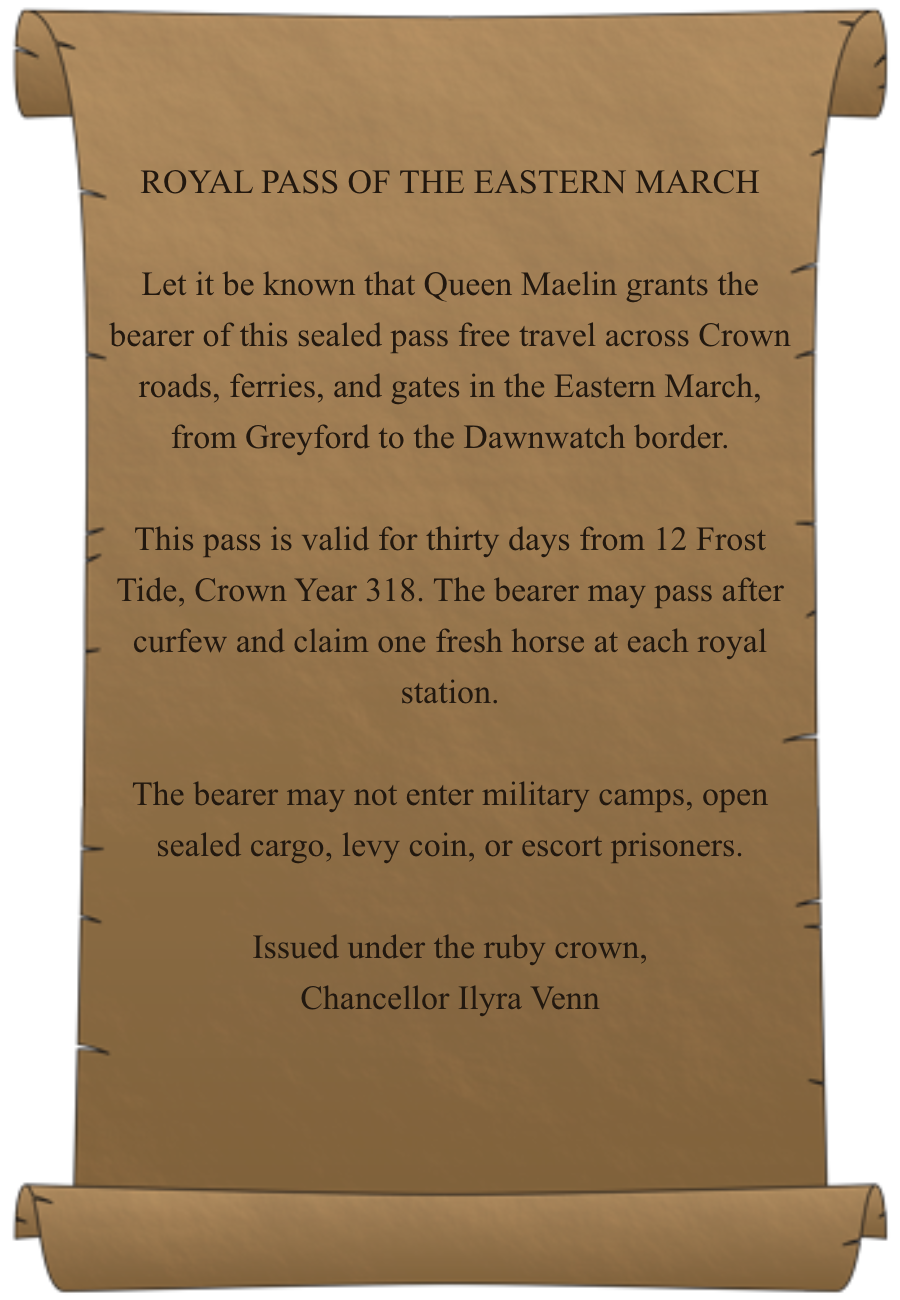
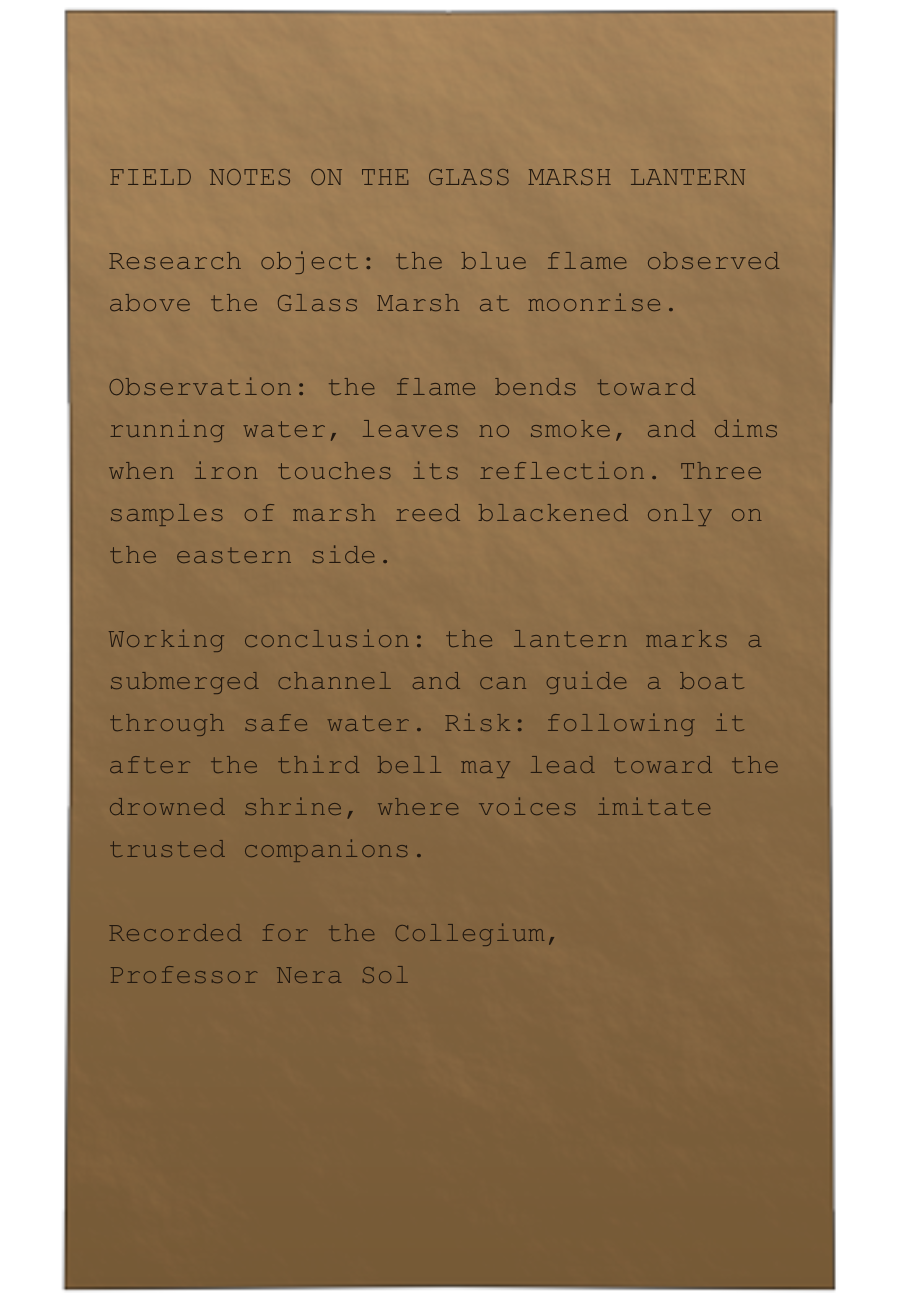
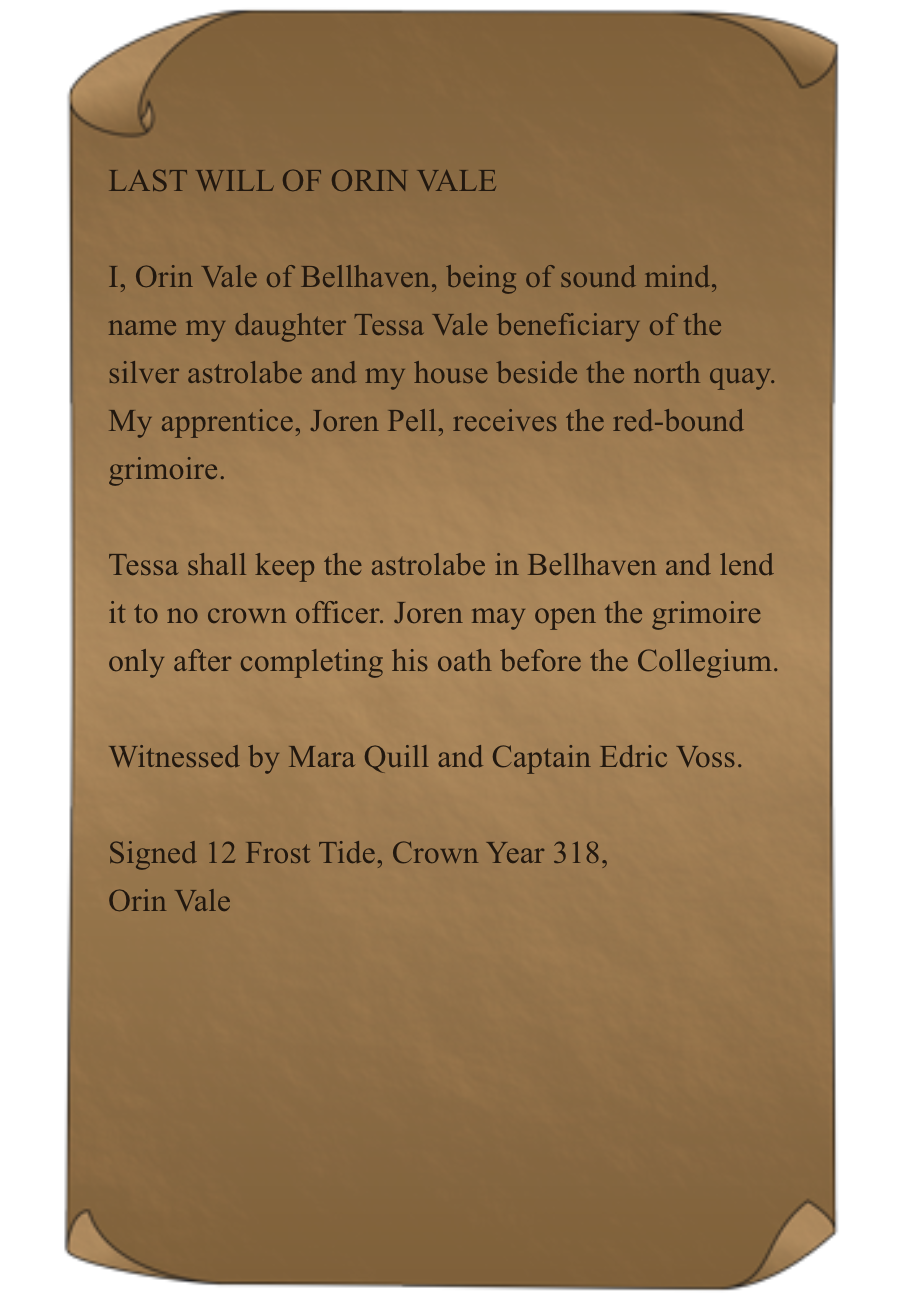
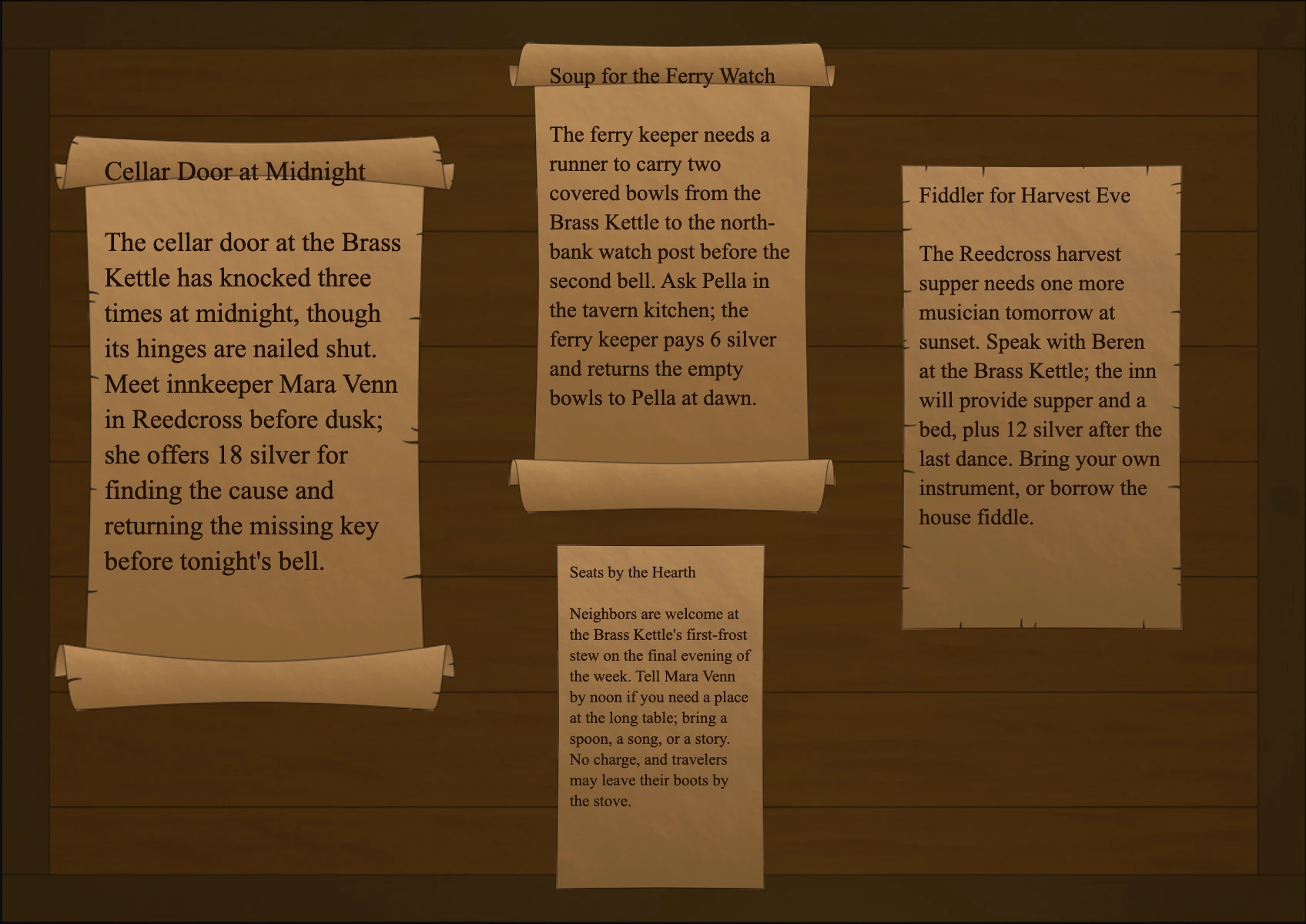
Explore 12 original parchment documents for D&D and TTRPG game masters and players, fantasy authors, and worldbuilders—from quest handouts and character letters to contracts, research notes, and inheritance records.
Parchment Scroll Creator is a free online editor for making scrolls and fantasy letters with parchment backgrounds. Choose a paper style, adjust the paper size and text formatting, add images and move or resize them, then save a draft or print the finished design. Use it to create quest notices, wanted posters, NPC letters, and ancient documents for tabletop campaigns or fantasy stories. It is designed for D&D and TTRPG game masters and players preparing handouts, as well as fantasy authors and worldbuilders.
Features for D&D props and fantasy writing
Choose a parchment background, arrange text and images, then save or print your fantasy letter.
Choose from 15 parchment styles
In Parchment Scroll Creator, pick one of fifteen parchment styles and preview your letter on the selected paper.
Adjust the paper size
Use Parchment Scroll Creator to turn on paper resizing, set the width and height in pixels, or reset to the standard size.
Text layout and fonts
Type directly on the paper in Parchment Scroll Creator, choose from eight built-in fonts or add a Google Fonts stylesheet, then set size, color, bold, italic, and alignment.
Add and arrange images
Add an image by URL in Parchment Scroll Creator, then show, hide, select, move, resize, or delete it on the paper.
Keep four local drafts
With Parchment Scroll Creator, save four different drafts in local browser slots and return later to continue editing.
Print the scroll
Print the finished scroll in your browser with Parchment Scroll Creator. If the text overflows, increase the paper height or reduce the font size first.
Parchment Scroll Creator vs Word and Photoshop
Compare the focused scroll workflow with general-purpose writing and image-editing tools when you are preparing a fantasy prop.
Parchment Scroll Creator vs Word and Photoshop
Dimension
Scroll Creator
Word
Photoshop
Parchment background
Choose from 15 parchment styles
Insert a background picture or use a picture watermark
Import a parchment background, then combine text and image layers
Dimensions
Set paper width and height; resize images on the paper
Drag or enter picture height and width to set image size
Use transform handles to adjust asset size and position
Text and images
Type on the paper; add URL images, then move and resize them
Place text and pictures in a document
Place text and images on an image canvas
Saving
Four local slots in the current browser
Save a document, reopen it, and continue editing
Save a PSD to preserve layers and continue editing
Output
Confirm the full text fits inside the paper, then print in your browser
Print documents
Print or export images
How it works
Make a scroll in three steps
01
Choose the paper and size
Start in Parchment Scroll Creator by picking a parchment background, turning on paper resizing if needed, entering the width and height, or resetting to the standard size.
02
Write and format the letter
After choosing a paper in Parchment Scroll Creator, type directly on the preview, then choose the font, font size, color, emphasis, and alignment. Add a Google Fonts stylesheet when you need another font.
03
Arrange, save, and print
Finish in Parchment Scroll Creator by adding images by URL and arranging them on the paper. Save the draft in one of four local slots, then print after the full text fits the paper.
Create your next fantasy scroll
Open Parchment Scroll Creator, start with a parchment background, write the letter, and prepare a prop for your next session or story.
Answers about paper choices, text styling, images, local saves, overflow, and printing.
Use Parchment Scroll Creator to make printable quest notices, character letters, ancient prophecies, and other fantasy handouts for D&D, TTRPG sessions, novels, and worldbuilding.
Parchment Scroll Creator includes 15 parchment paper choices. Select a paper in the Paper panel to change the scroll background.
Yes. In Parchment Scroll Creator, turn on paper resizing to enter the width and height in pixels, or use Reset size to return to the standard dimensions.
In Parchment Scroll Creator, choose from eight built-in fonts or add a Google Fonts stylesheet. You can also set the font size and color, toggle bold or italic, and choose left, center, or right alignment.
Yes. Add an image by URL in Parchment Scroll Creator, then show, hide, select, move, resize, or delete it on the paper.
Parchment Scroll Creator keeps four save slots in the current browser on the current device. They are local to that browser, and private browsing windows lose them when the session ends.
Parchment Scroll Creator keeps all text, and the text area can scroll within the paper. Increase the paper height or reduce the font size so the full text fits inside the paper before printing.
Use Print in the toolbar. The browser print view uses the scroll preview and hides the editor controls. Resolve any text overflow before printing.
More tools you may like
Four other tools that pair with Fantasy Scroll Creator.